Prerequisites
You must be an admin of your Teamtailor account. Only admins can access the API credentials.
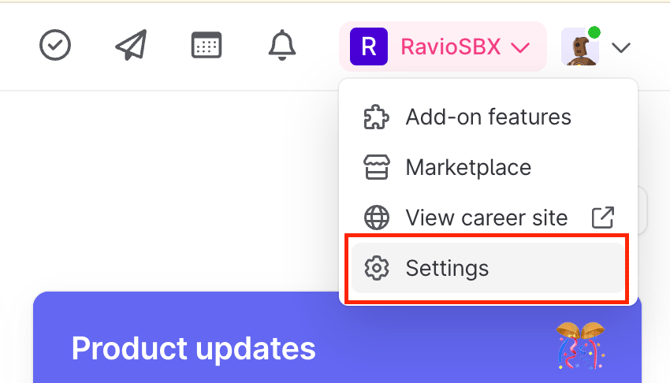
❓ If you can’t access this reach out to your Teamtailor Admin to complete the integration.
Step by Step instructions
Step 1 - Grab your API Key from Teamtailor
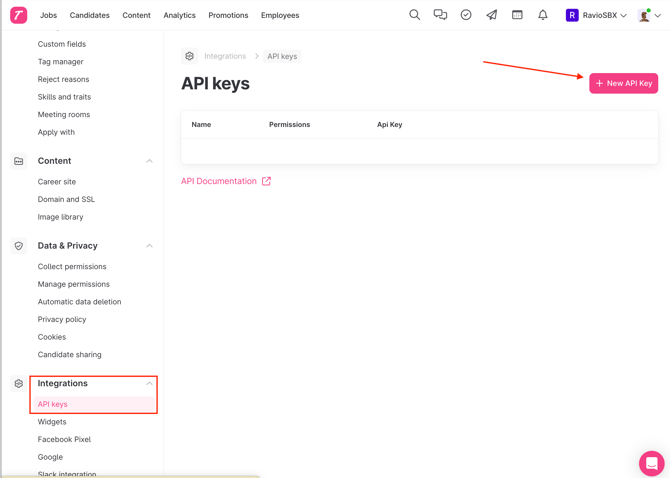
- Go to Integrations > API Keys
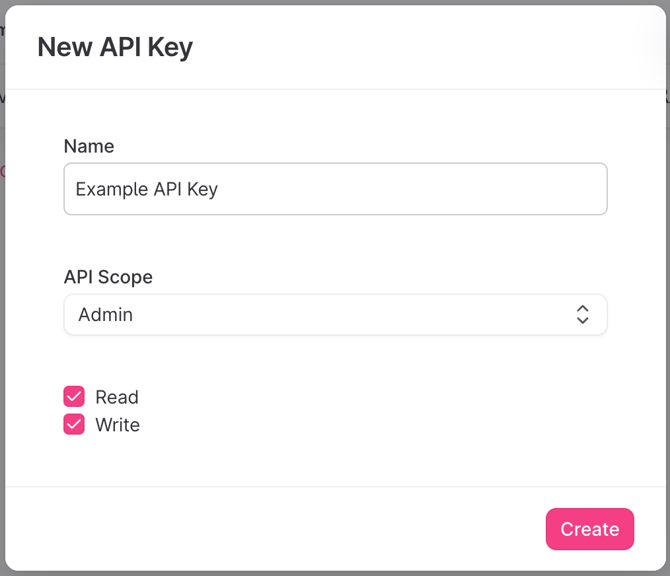
- Create new API Key
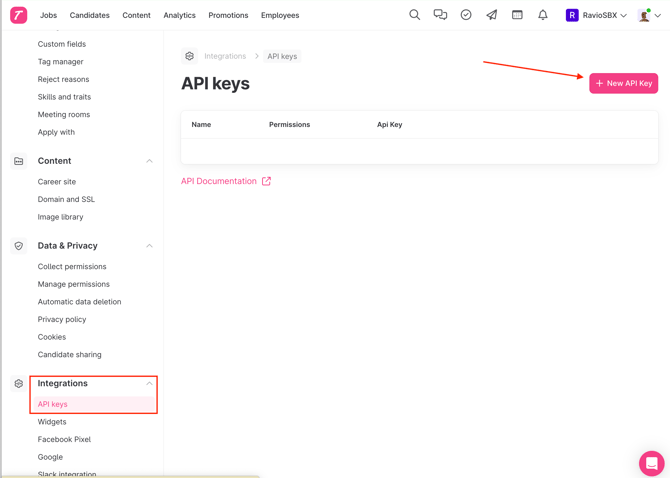
- Give the key a descriptive name and make sure:
- API Scope = Admin
- Read & Write both selected
Step 2 - Copy this information into Ravio
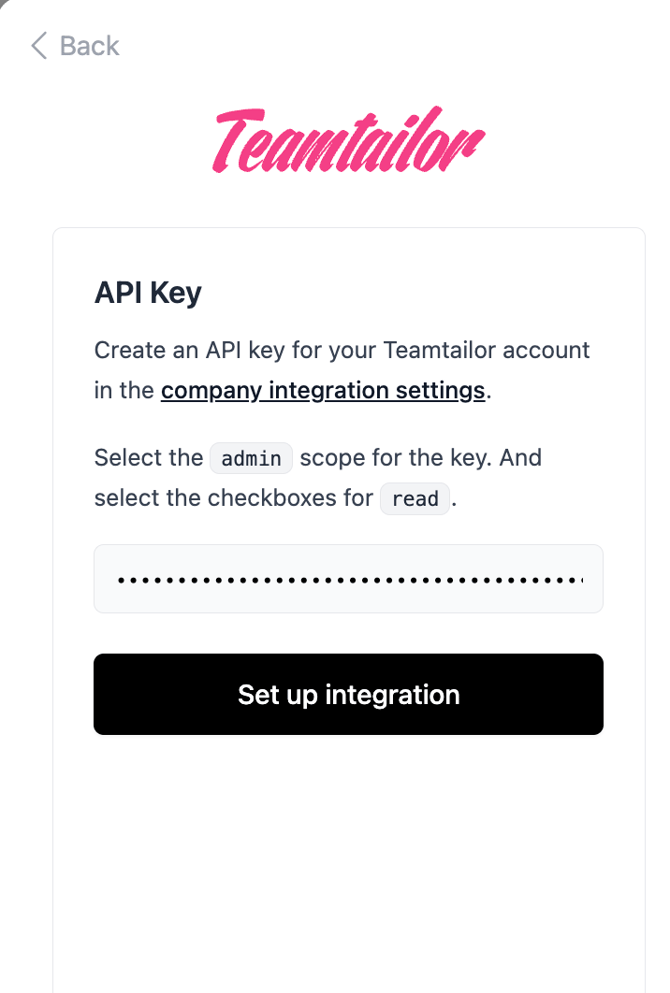
- Copy the displayed key into the Ravio integration flow.